
Theme
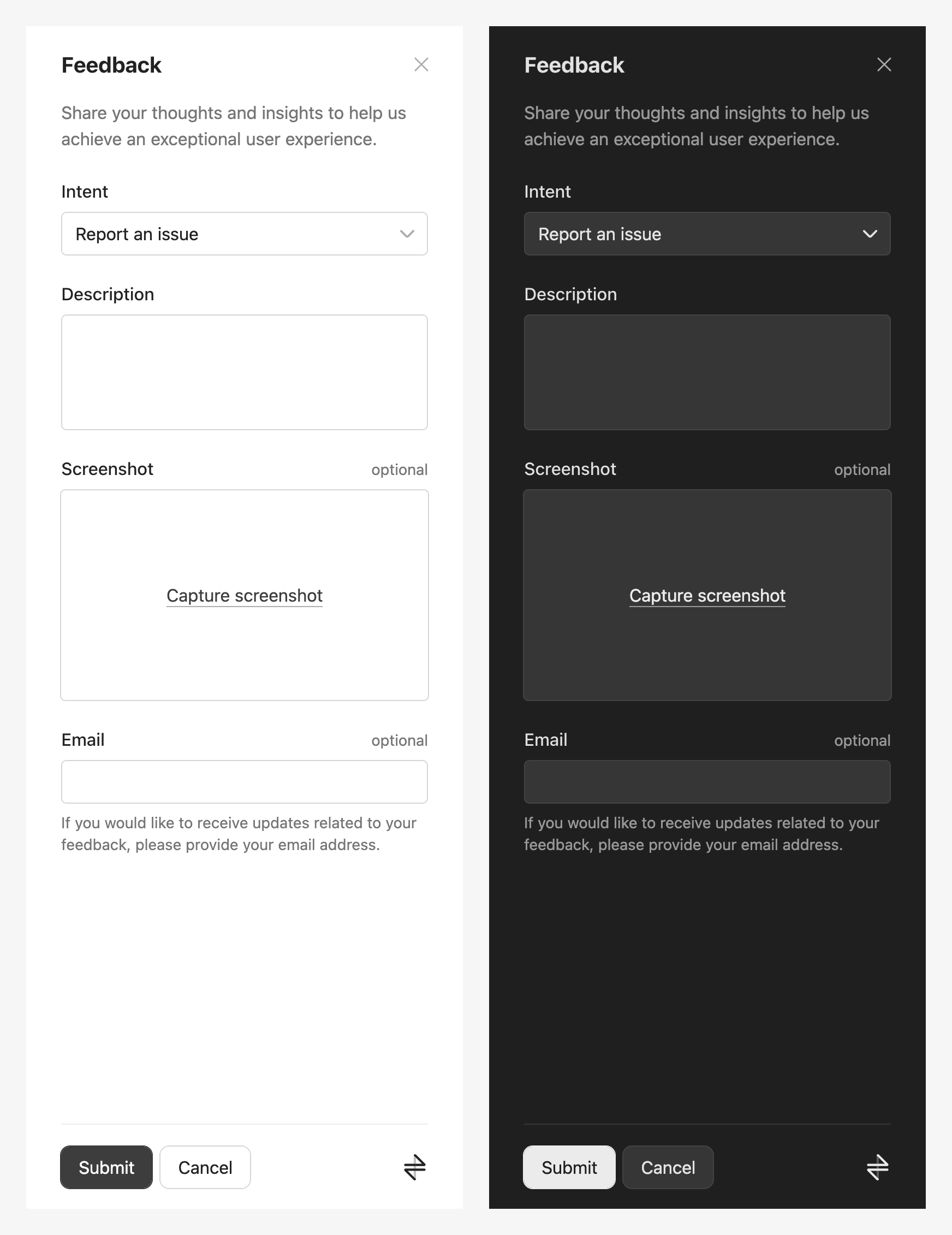
By default, the light mode is used. To change the theme, set the data-theme attribute of the html tag of the page to either light or dark, as shown below.
html
<html data-theme="dark">
  ...
</html>
Here are light and dark modes side-by-side:
System theme
To use your system theme, use the script below (or follow this guide).
js
const { matches } = window.matchMedia("(prefers-color-scheme: dark)")
document.documentElement.dataset.theme = matches ? "dark" : "light"